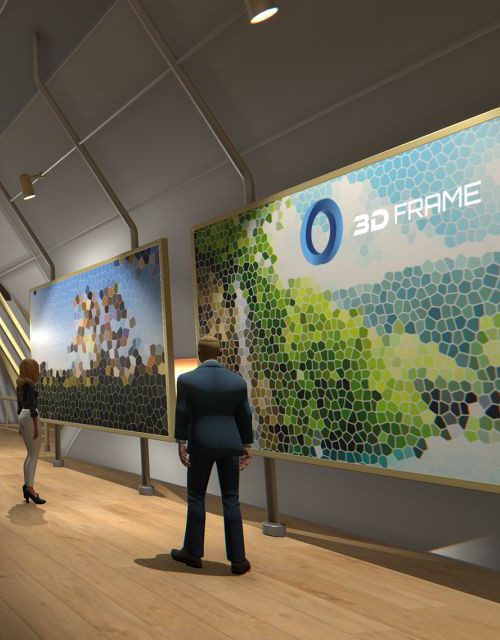
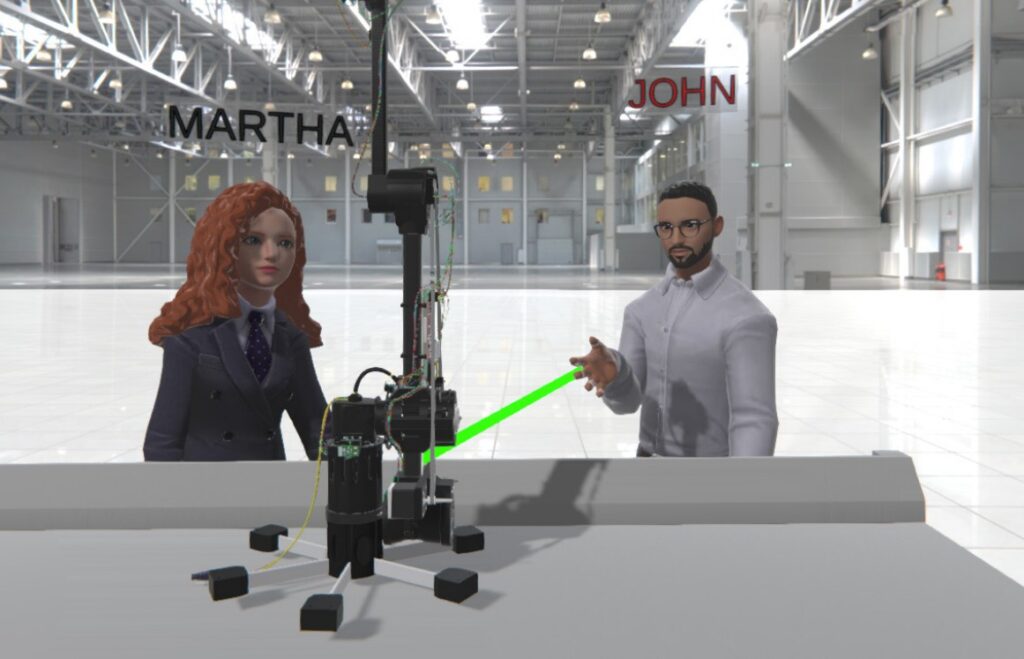
3Dframe is the virtual space where users can create project presentations, overcome the limitations of physical spaces, and make training more effective.
3DFrame allows users to create their 3D
project presentations effortlessly. 3D
models can be uploaded into 3DFrame’s
virtual space and it can be completed with
documents, media, and animations.
The ability to virtually simulate various
scenarios allows users to conduct
trainingsessions and onboarding in a safe
environment without space
constraints.
Case Studies
Manufacturing & Aerospace
Marotta
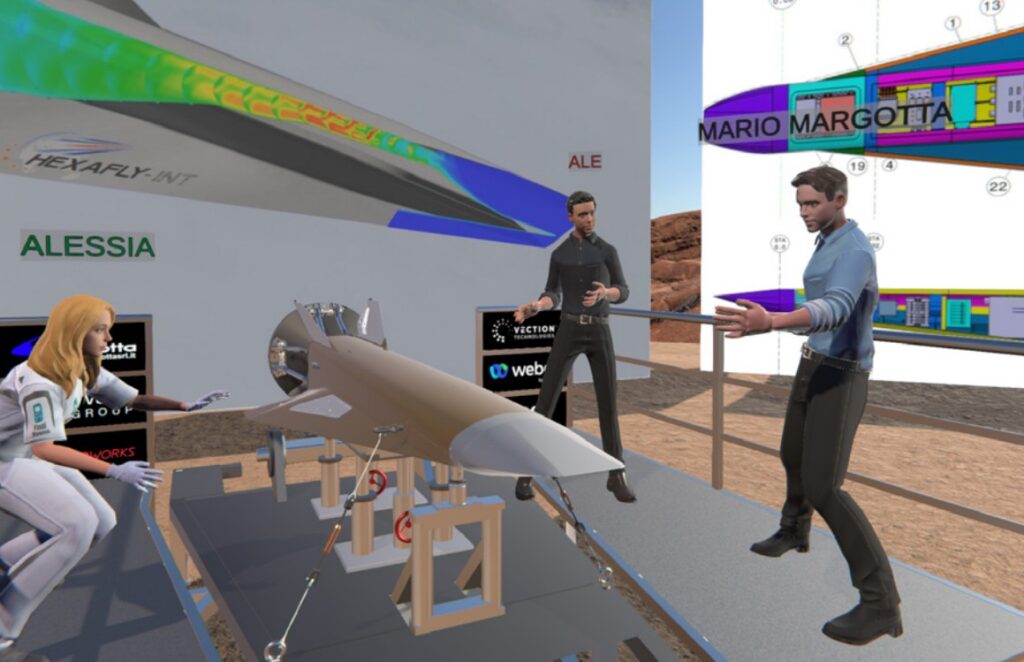
The integration of 3DFrame with Webex allows Marotta to enhance the effectiveness of project presentations, speeding up interactions with clients.
The adoption of this solution has enabled Marotta to stand out among the client’s suppliers and has streamlined decisionmaking processes, making them faster and more efficient
Healthcare
Humanitas University
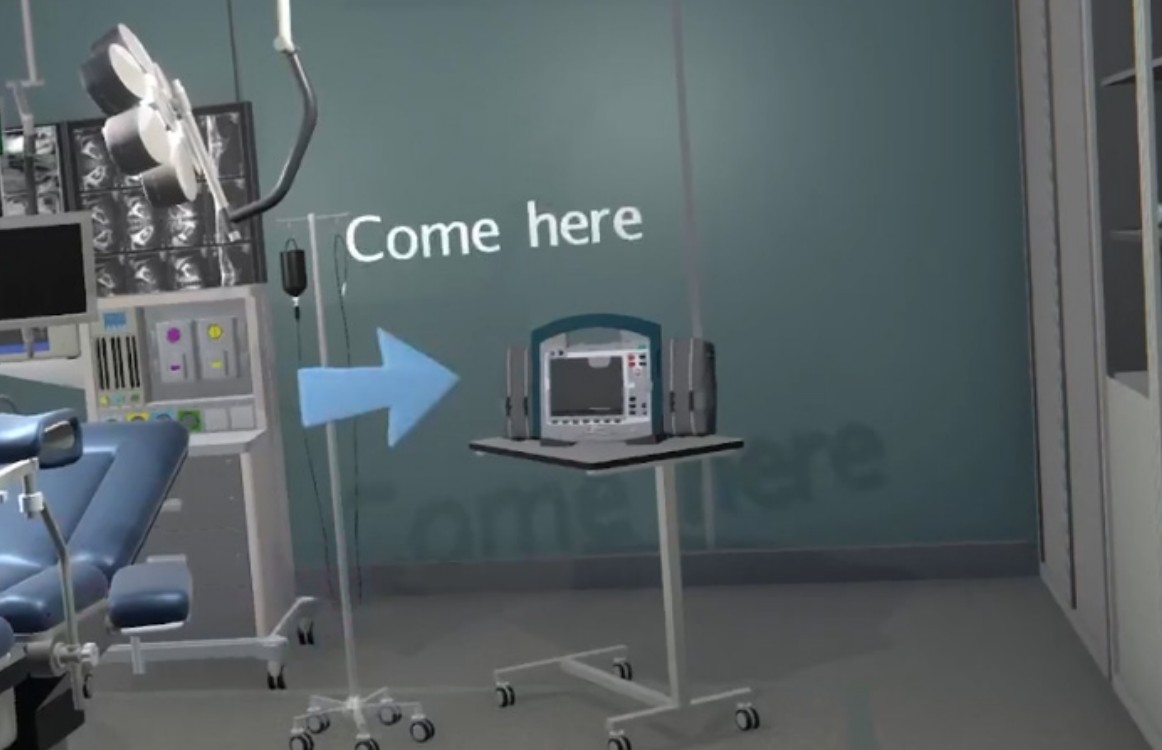
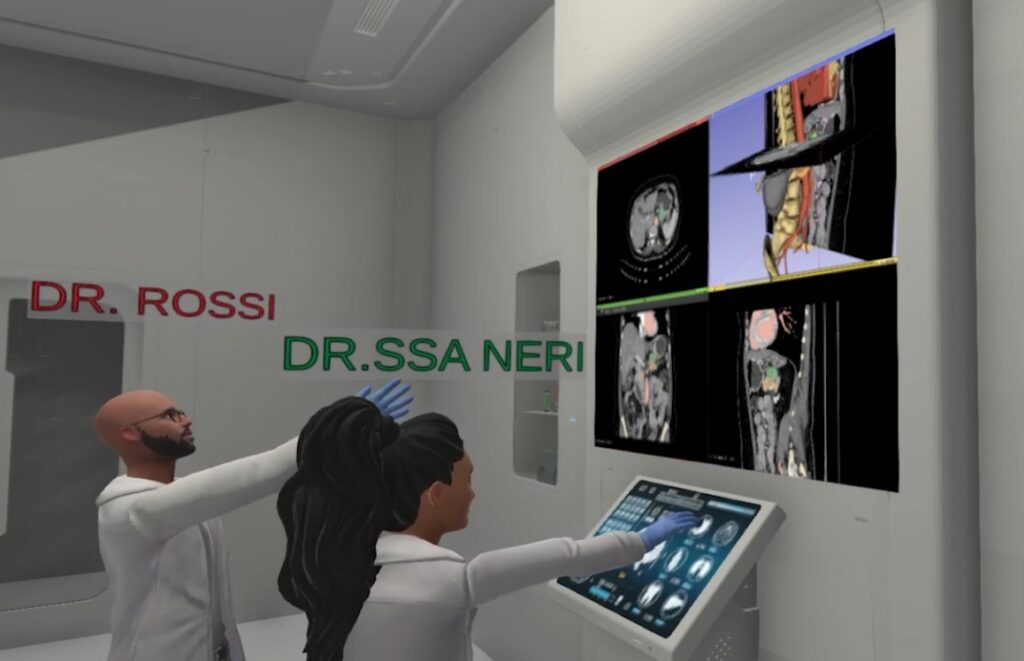
Accessibility to hospital environments and university laboratories is not always guaranteed in the healthcare sector. In collaboration with Humanitas representatives, Vection Technologies has mapped and digitized hospital spaces to facilitate training. Students from the Faculty of Medicine and Surgery and Laboratory Techniques can now simulate activities and procedures without constraints of time and space, utilizing the virtual environment provided by 3DFrame.
Education
New York Institute of Technology (NYIT)
Thanks to 3DFrame’s animated procedure creation system, the New York Institute of Technology (NYIT) has developed assembly and maintenance manuals for a robotic arm. Students and professors at NYIT utilize the platform and its contents to expedite the onboarding process and provide technical training for new collaborators who need to work on the project.
Key features
Easy to use
3DFrame is user-friendly and
doesn’t require advanced computer skills
Multi-user
It can host up to 16 users in the
same space simultaneously
Cross device
3DFrame is compatible with
various types of devices.
Customizable and Integratable
Vection offers the possibility to expand the platform’s
functionalities and customize content.
Features and content
3DFrame provides
a wide range of features and ready-made
content.
We help businesses design, build, and deploy intelligent solutions that drive real results. Contact Now